AI agents explained: from chatbots to coworkers that get things done
An AI agent doesn't just answer questions: it looks up data, works in your systems, checks its work and reports back. How agents differ from chatbots, what to hand them, and the safeguards you need.
Key takeaways
- A chatbot answers questions; an AI agent breaks a goal into steps, uses tools, checks the results, and works through the task until it's done.
- The best jobs for an agent have fixed steps, data spread across several systems, and decision rules people can spell out.
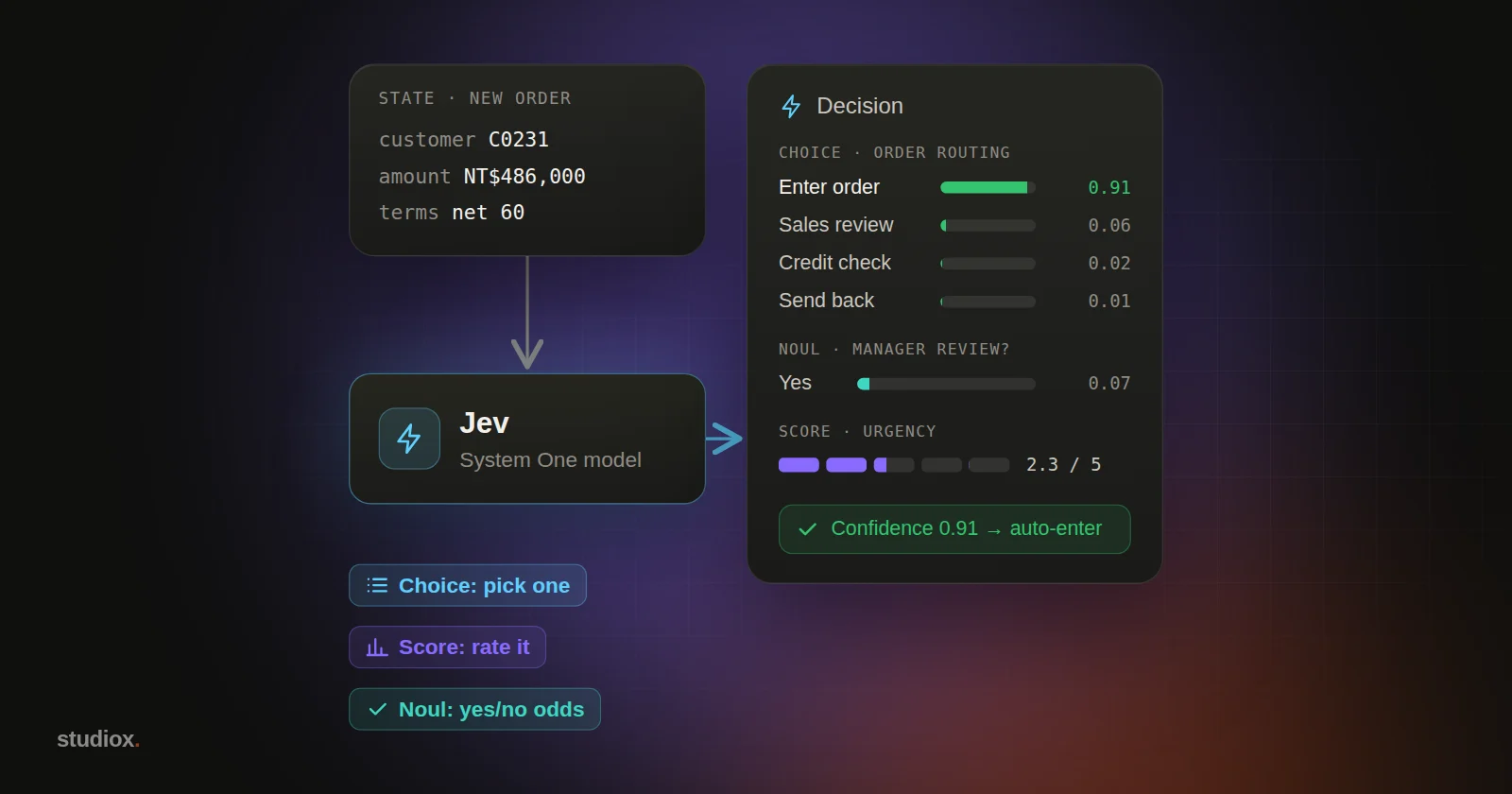
- Before an agent can change data, build in “propose, a person confirms, then execute” and a complete activity log.
- Starting with one process and a few tools is far more likely to succeed than connecting every system at once.
Table of contents
For the past two years, most people have thought of AI as something that's good at conversation: you ask it questions, have it draft copy, get it to summarize a document. But if you've been following AI news lately, you've probably noticed another term popping up more and more: AI agents.
An agent isn't a chattier AI. It's AI that actually does the work: you give it a goal, and it looks up the data, opens the systems, fills in the forms, cross-checks the numbers, and comes back to report when it's done. For teams that spend their days copying and pasting between systems, this is where generative AI starts to genuinely change how work gets done.
Chatbots vs. AI agents: what's the difference?
The simplest way to put it: a chatbot talks; an AI agent acts.
| Chatbot | AI agent | |
|---|---|---|
| What you give it | A question | A goal |
| What it can use | What it learned in training, plus whatever you paste in | Your company's systems and tools (order lookup, inventory, email…) |
| How it works | One question, one answer | Breaks the goal into steps, carries them out, checks the results, then decides what to do next |
| What you get | An answer | A finished task, plus a record of what it did |
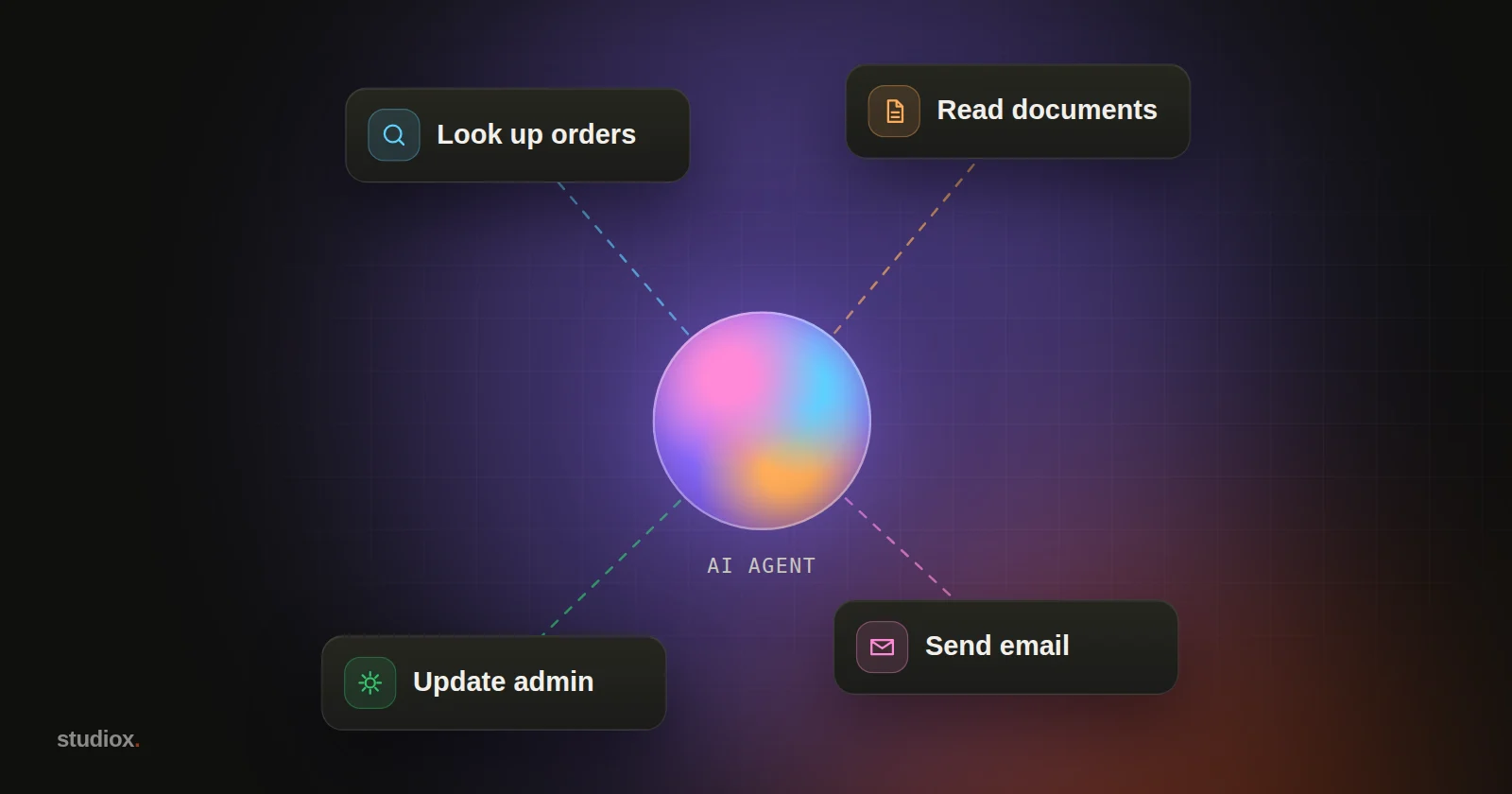
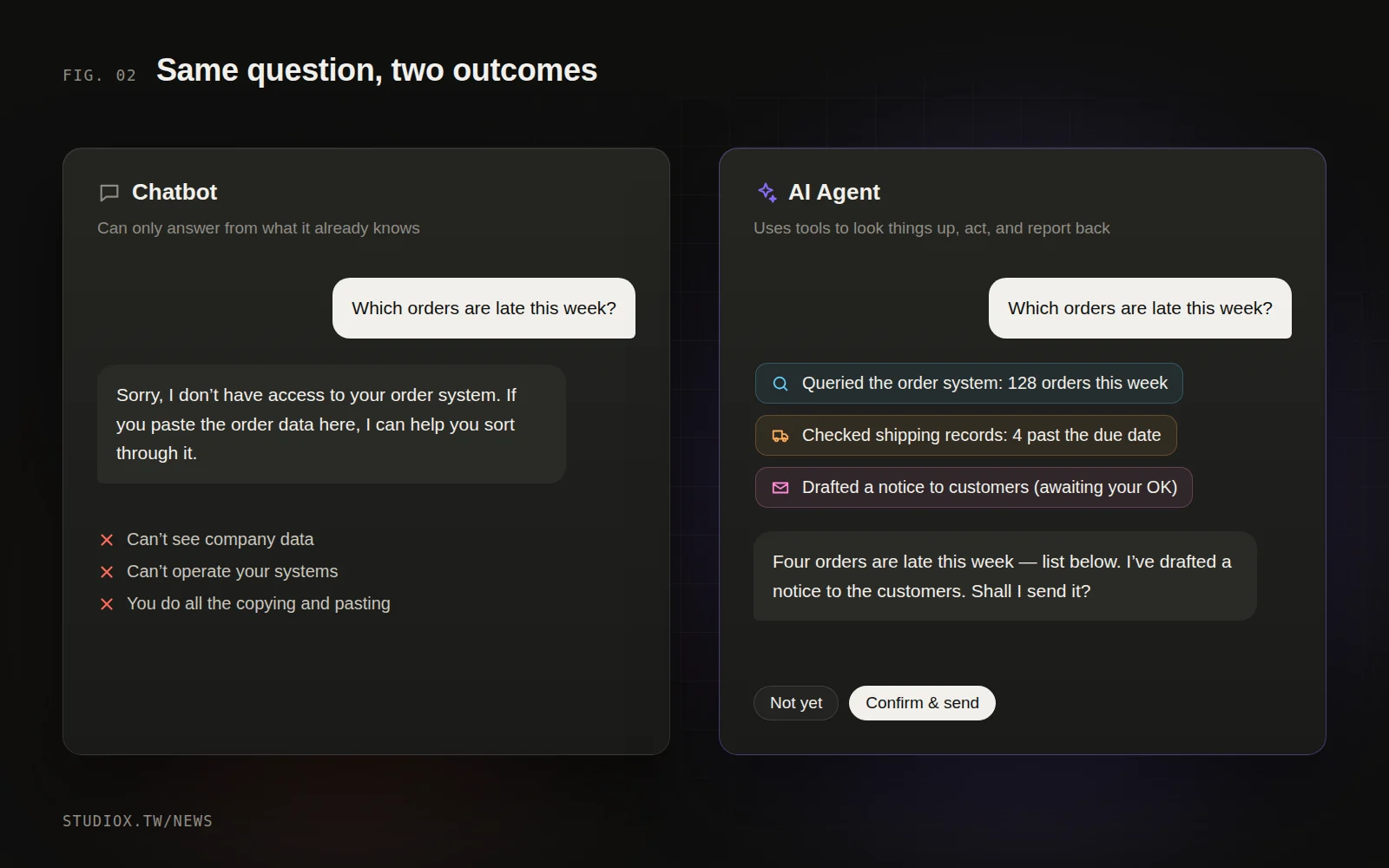
Here's an example. Ask a chatbot "Which orders are late this week?" and all it can say is "I don't have access to your order data." Ask an AI agent, and it will query the order system for this week's orders, compare them against the shipping records, pick out the late ones and give you a list. It may even draft the apology emails to those customers, then wait for your OK before sending them.
How does an AI agent work?
Under the hood, an AI agent has three parts:
- A large language model: understands what you're asking for, plans the steps and judges the results.
- Tools: functions the model can call, such as "look up order," "check inventory," "create shipping order" or "send email." Each tool comes with a clear description, which is how the model knows when to use it.
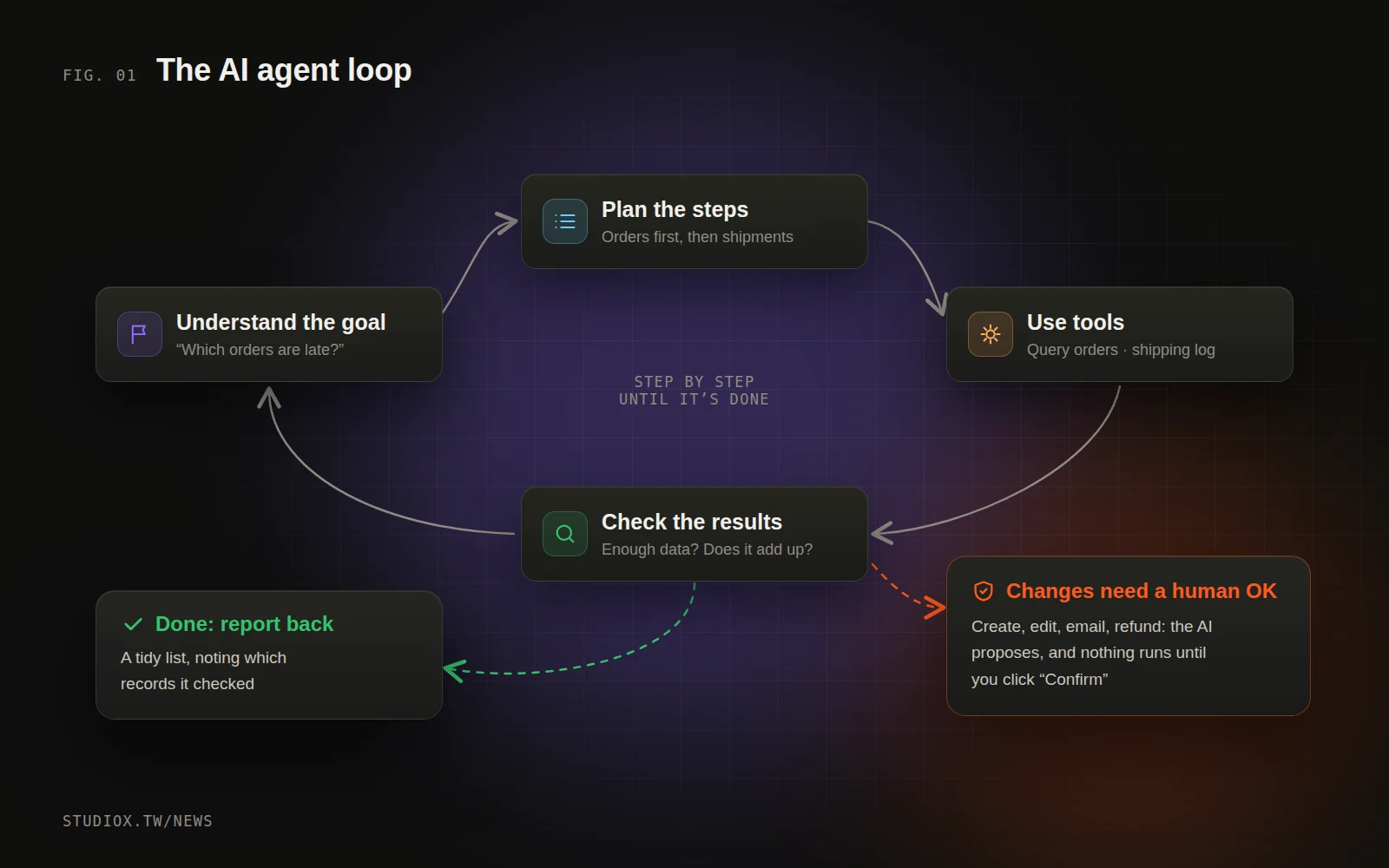
- A loop: the model takes a step, looks at the result and decides on the next step, until the goal is done or it needs a person to step in.
That "take a step, check the result" loop is the biggest difference between agents and traditional automation. Traditional workflow automation needs every path scripted in advance. When an agent hits something unexpected (a misspelled customer name, the same order entered twice), it can first try to sort it out on its own, and only comes back to ask a person when it genuinely can't decide.
One reason agents have spread so quickly over the past year is open standards like MCP (Model Context Protocol). It gives AI a uniform way to plug into all kinds of systems, so you don't have to rebuild the integration for every AI tool.
Which jobs are a good fit for an AI agent?
Not everything should be handed to an agent. Across our projects, we've found four traits; the more of them a task has, the more it's worth trying:
- It's repetitive: it happens every day or every week, in real volume.
- The data is scattered: you need to look at several systems at once, such as orders in the ERP, customer data in the CRM and conversations in LINE (the messaging app most Taiwanese customers use).
- The rules can be put into words: it takes judgment, but your experienced staff can explain the principles behind it.
- Mistakes are recoverable: even if it gets something wrong, the error can be caught and fixed before it causes real damage.
Common starting points include:
- Daily operations summary: every morning, pull together new orders, pending shipments, exceptions and complaints, and email it to managers.
- Frontline customer service: answer common questions and check order status first, then pass complex cases to a person (see our article on AI customer service for LINE).
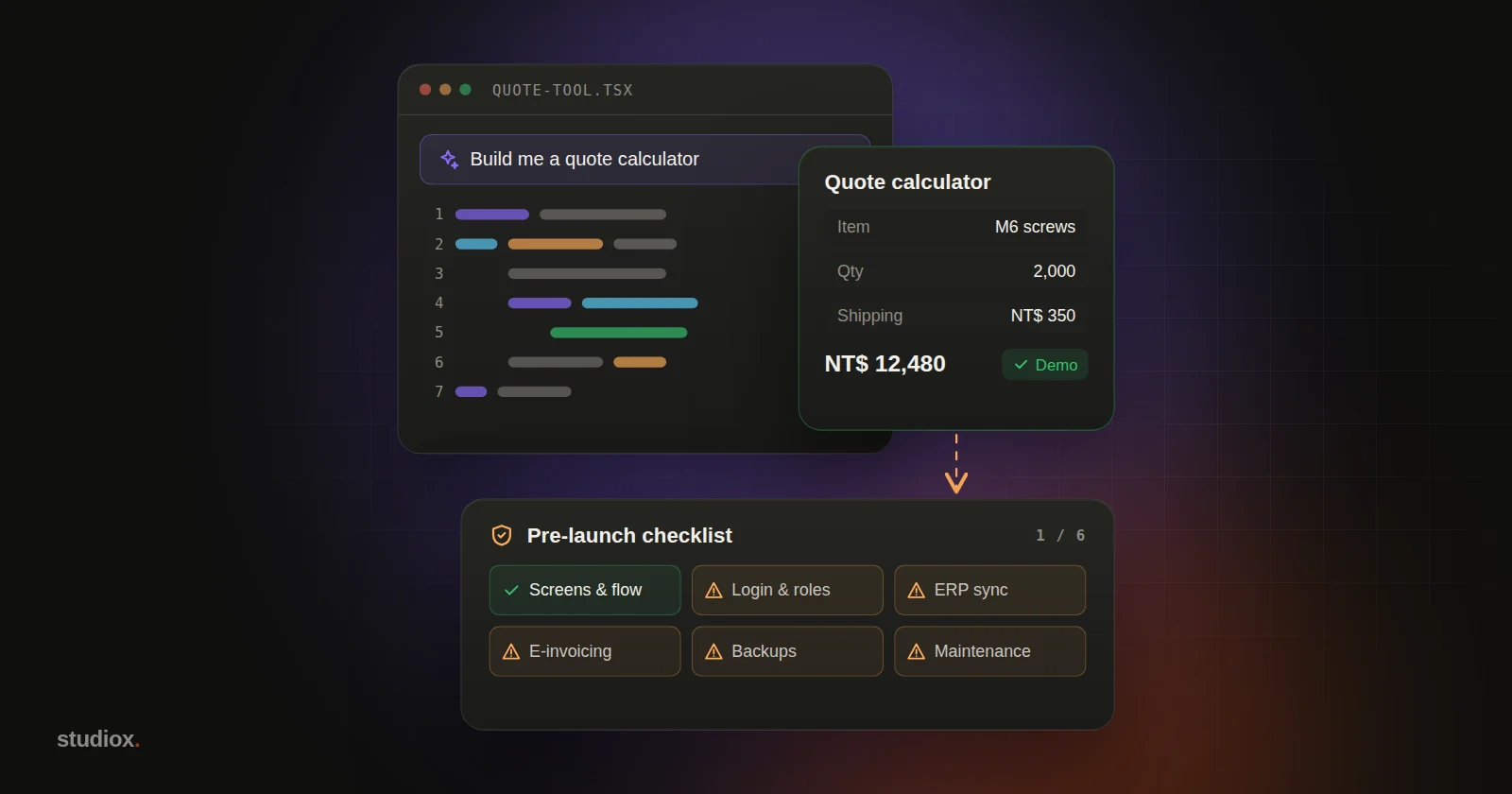
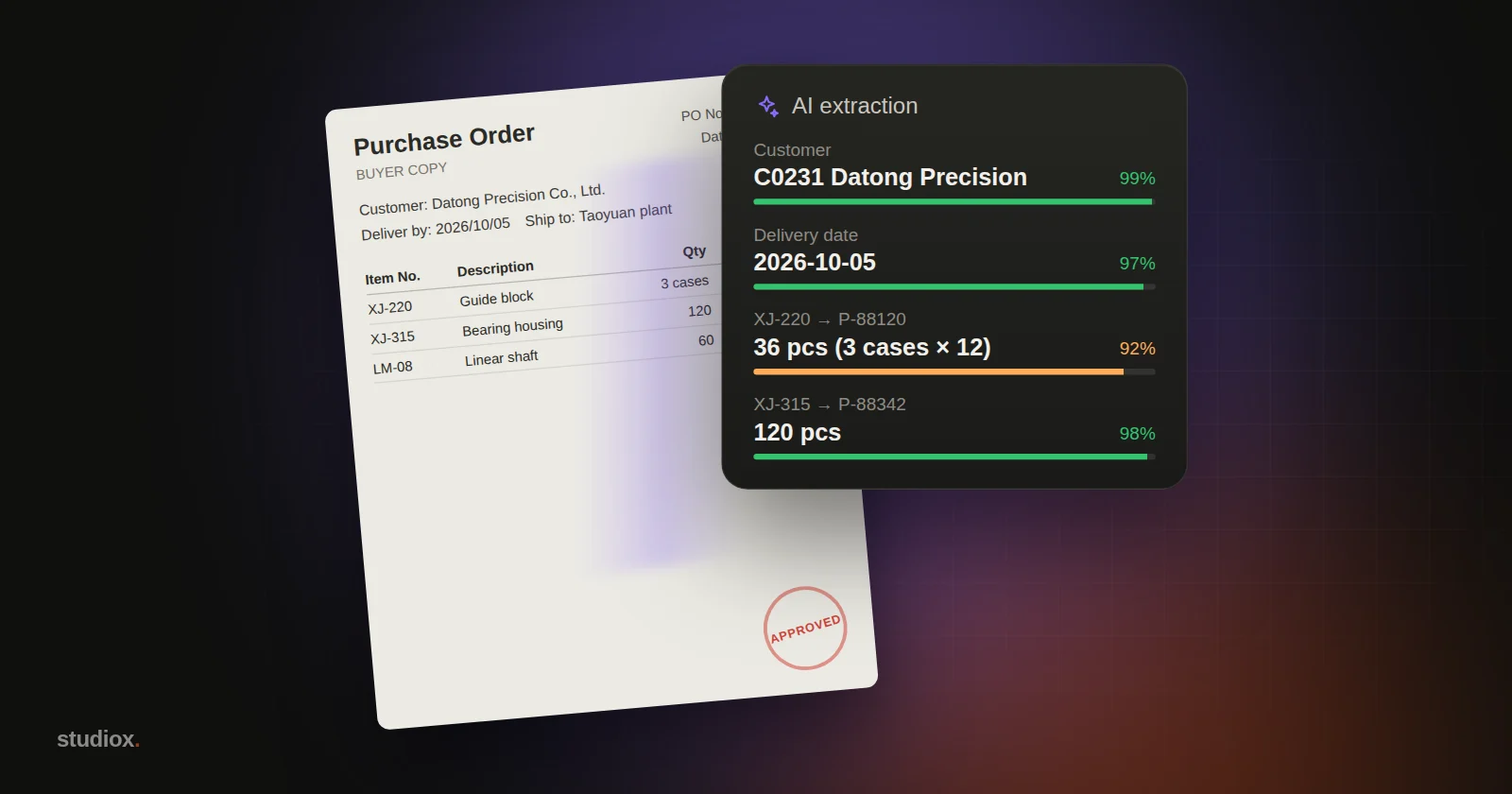
- Document processing: read the orders and quotes customers send in and enter them automatically (see how AI reads orders and quotes).
- Back-office upkeep: update website content, list and delist products, check every page's search title and description.
The safeguards every AI agent rollout needs
An agent that can act can also make mistakes. That's not a reason to avoid agents; it's something to think through at the design stage. When we roll out agents for clients, we always put these four things in place:
1. Permissions follow the person
The agent works with the permissions of whoever is using it: a sales assistant sees only their own accounts, and only managers see everything. Don't hand the agent a master key that opens every door.
2. Propose, confirm, then execute
Lookups can run directly. But for anything that creates, changes or deletes data, sends email or issues a refund, the agent can only propose "here's what I plan to do," and a person has to click Confirm before it runs. For the riskiest actions (like deleting data), you can even require typing a confirmation phrase.
3. Log every step
Record what the agent looked up, what it changed and who confirmed it. When something goes wrong, you can trace what happened and roll back to the version before the change.
4. Start small
Open up a few tools, one process and a handful of users first. Watch it for a week or two, make sure its judgment is consistent, then widen the scope step by step.
Three common myths about AI agents
Myth 1: "Agents will replace employees"
In the rollouts we've seen, agents replace steps, not jobs. They take over the repetitive parts: looking things up, copying and pasting, reformatting. Talking with customers, making trade-offs and taking responsibility still belong to people. The more common outcome is that the same team handles more orders and responds faster, not that it gets smaller.
Myth 2: "The more automated, the better"
Full automation sounds appealing, but in practice "AI does 90%, a person confirms the last 10%" is often worth more than "AI does 100%." That last 10% is usually the exceptions and the high-risk cases. Leaving them to human judgment lowers the overall error rate and makes people more willing to trust the system. A good design gradually lets actions that have been confirmed many times without a single error run automatically.
Myth 3: "We can just buy an off-the-shelf agent"
Off-the-shelf tools are fine for general work like writing up meeting notes or researching the web. But an agent that really saves your company time has to connect to your own systems: your orders, your customers, your inventory. That involves permissions, data formats and business rules, and usually needs to be designed around how your company works. It isn't plug-and-play.
Five questions to ask yourself first
- How many hours a week does this process cost the team?
- Which systems does the process need to look at? Can software read them (do they have an API or an export function)?
- If the agent gets it wrong, what's the worst case? How soon would anyone notice?
- Which actions can the agent take on its own, and which must a person confirm?
- Who will review the logs every week and decide whether to widen the agent's permissions?
The clearer your answers, the smoother the rollout. Whatever you can't answer yet is exactly what needs sorting out first.
Where to start
If you want to give it a try, begin with these three steps:
- Pick one process: something done every day that everyone finds tedious, but where mistakes can still be fixed.
- List the tools it needs: which data does the process look up, and which systems does it touch? Three to five tools are usually enough.
- Read-only first, then hands-on: in the first phase, let the agent only look things up and summarize. Once everyone is used to it, turn on "propose + confirm" for changes.
AI agents won't replace your team, but they can take over the steps that have to be done every day and that nobody wants to do, leaving people free for work that needs experience and judgment. If you'd like to know whether your processes are a good fit, let's talk, or take a look at our AI integration services.