Register
The iPad at the counter
- Checkout, change and e-invoices
- Receipt printer and cash drawer
- Shift counts, X and Z reports
POS for Stores is StudioX’s point of sale for iPad: ordering, checkout, Taiwan e-invoices and receipts in one flow, for restaurants, counters, shops and salons alike. Your menu, members and stock are shared with your website, and every in-store sale lands in your back office and StudioX Console.
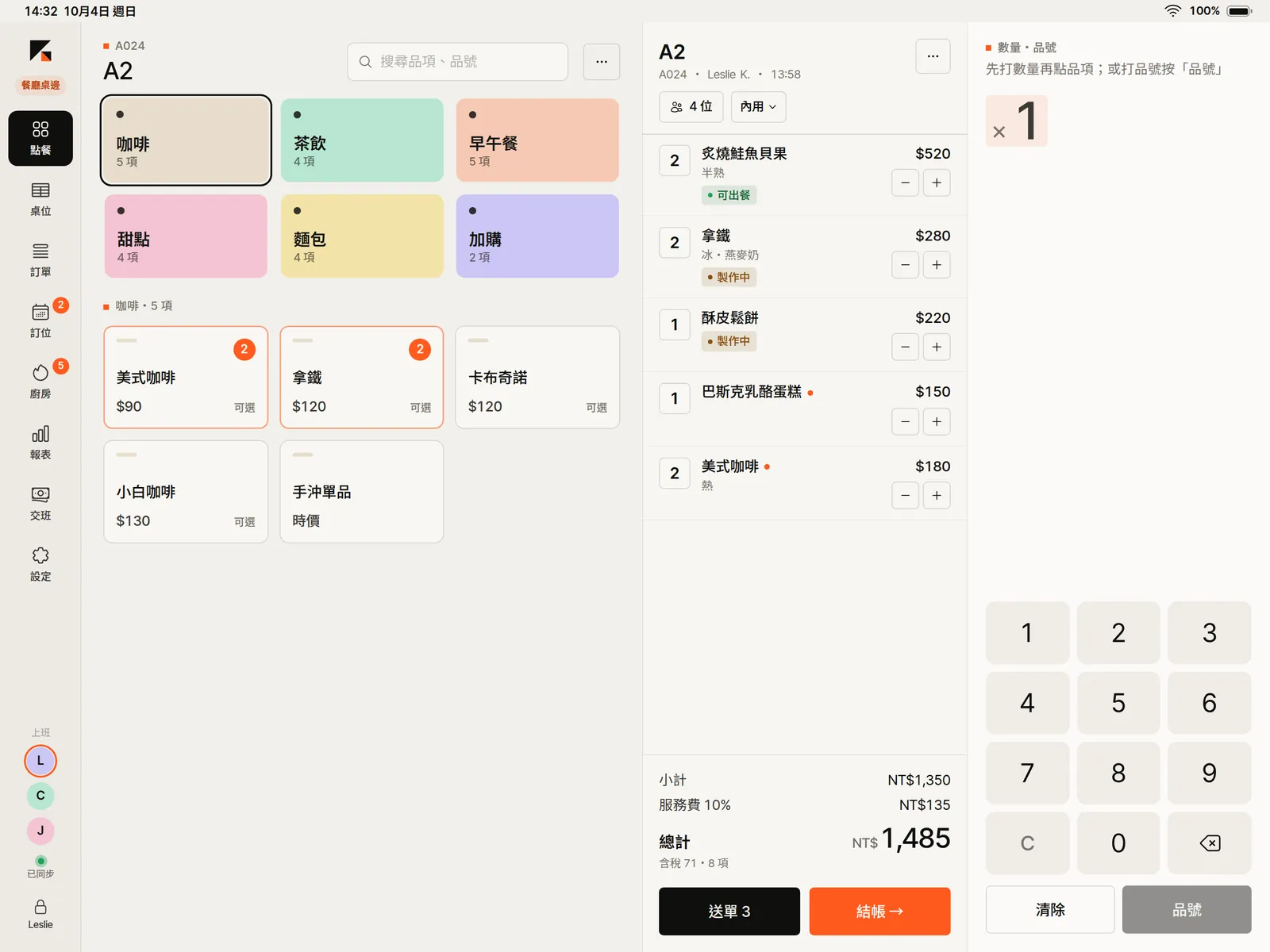
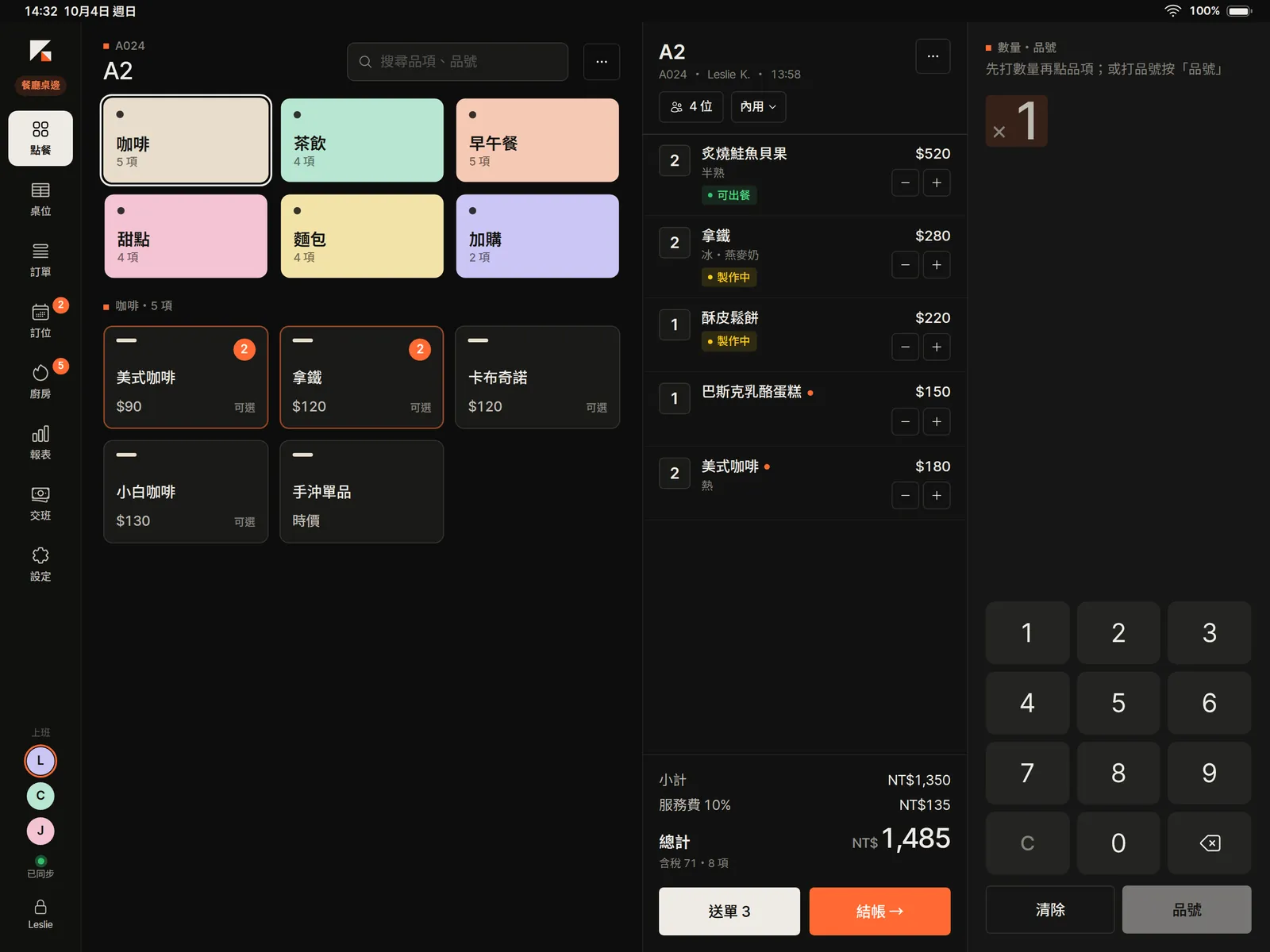
One app, and every iPad has its job: orders, kitchen progress and sales stay in sync.
The iPad at the counter
The iPad in your hand
The iPad in the kitchen
Ordering, tables, the kitchen, bookings and the day’s numbers: one iPad from opening to closing time, and every iPad in the store sees the same data.
Big category tiles, one tap adds one; type a quantity on the keypad first to add more. Send to the kitchen, take payment and issue the e-invoice on the same screen.
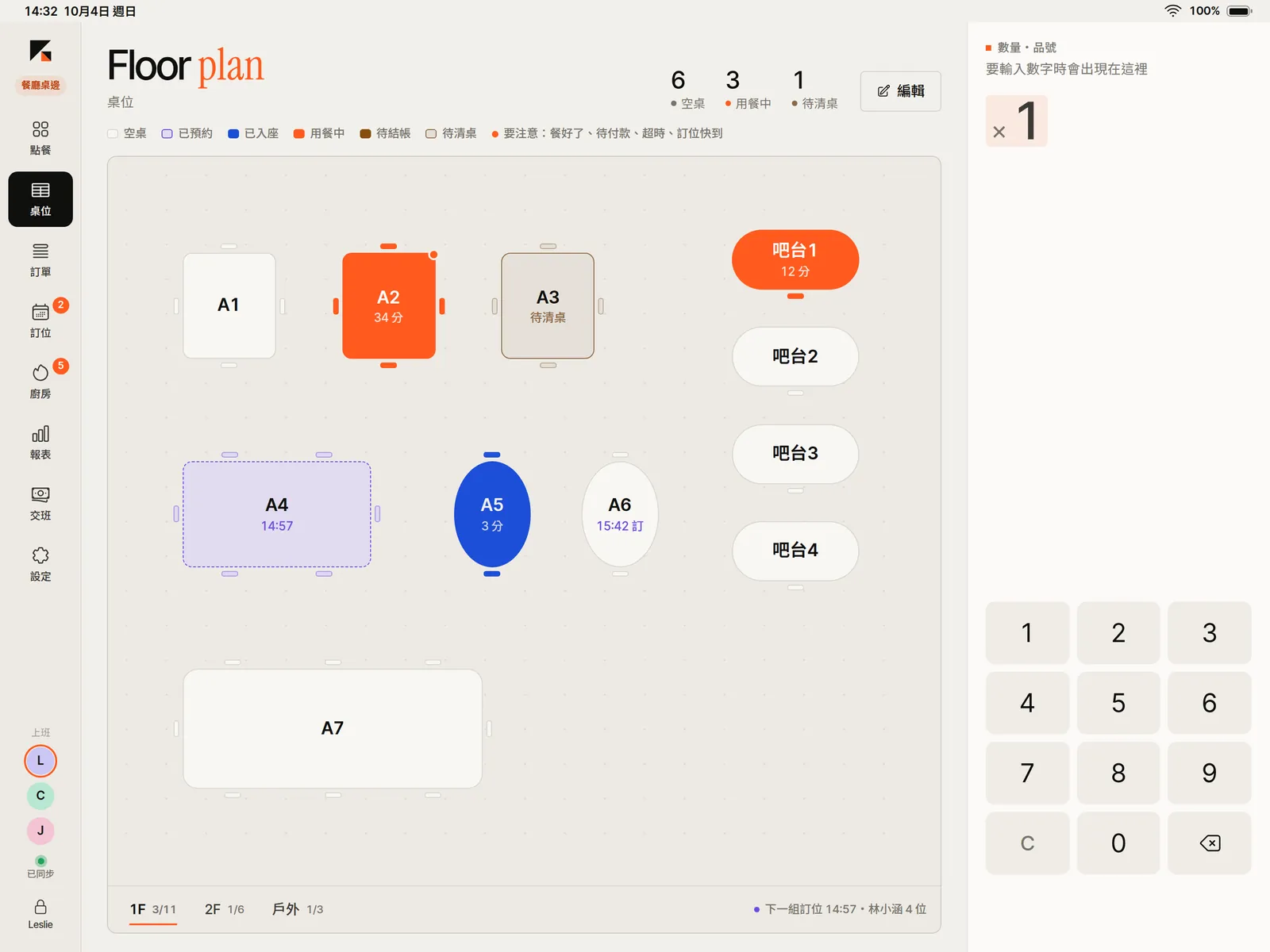
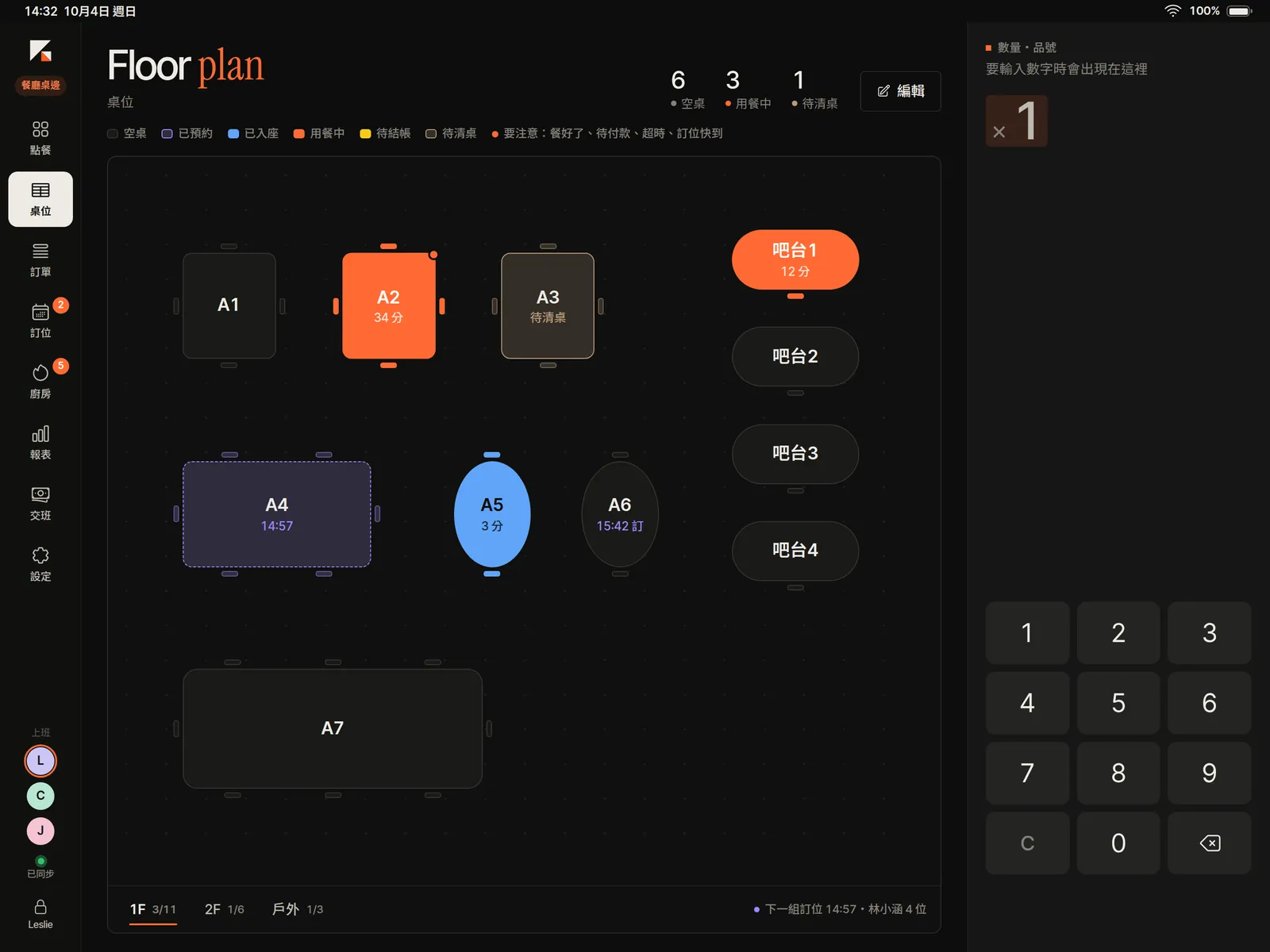
Free, dining and needs-cleaning tables each have a color, with minutes seated and upcoming bookings marked on the table. Tap a free table to seat guests, a busy one to see the check.
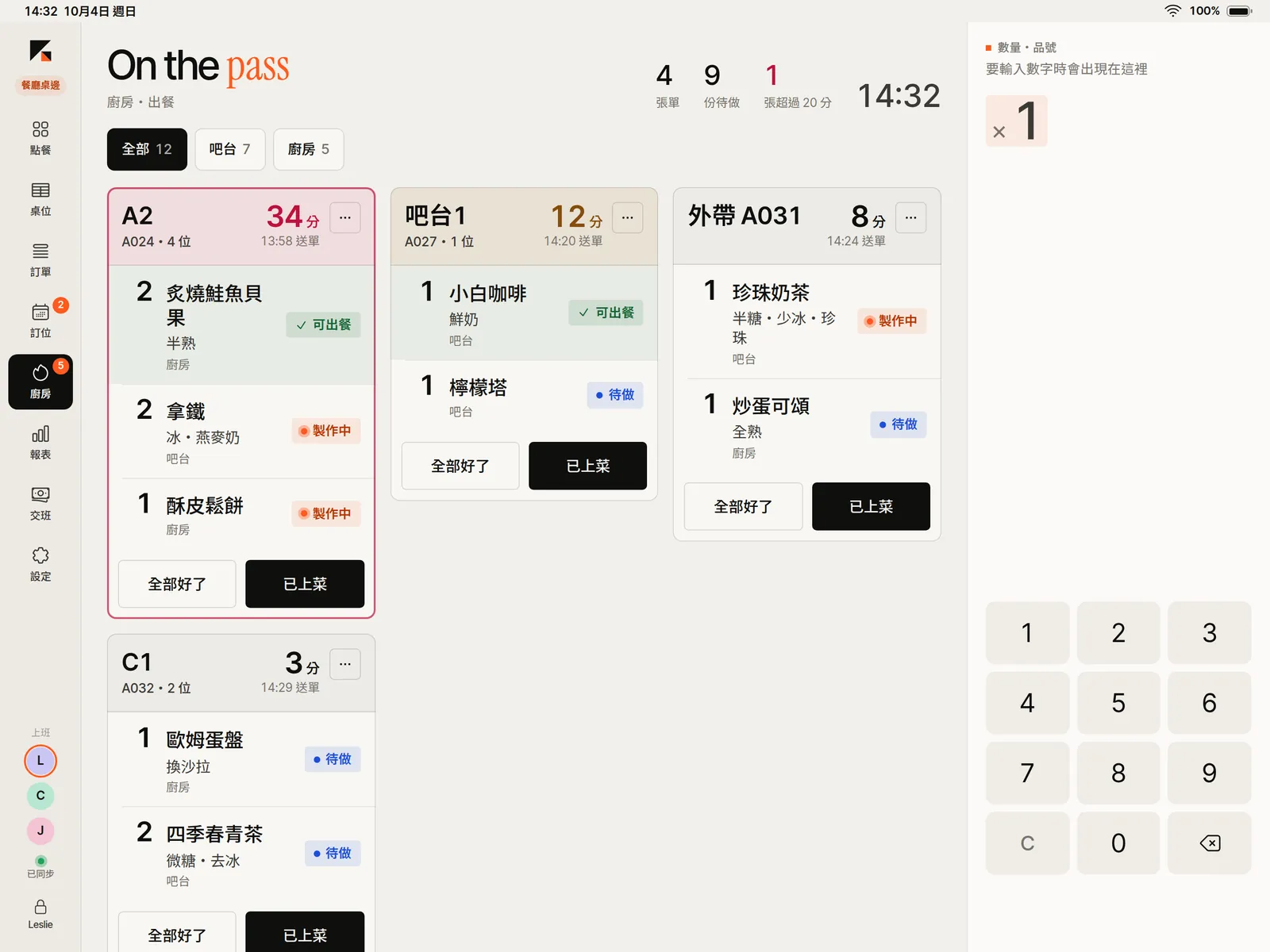
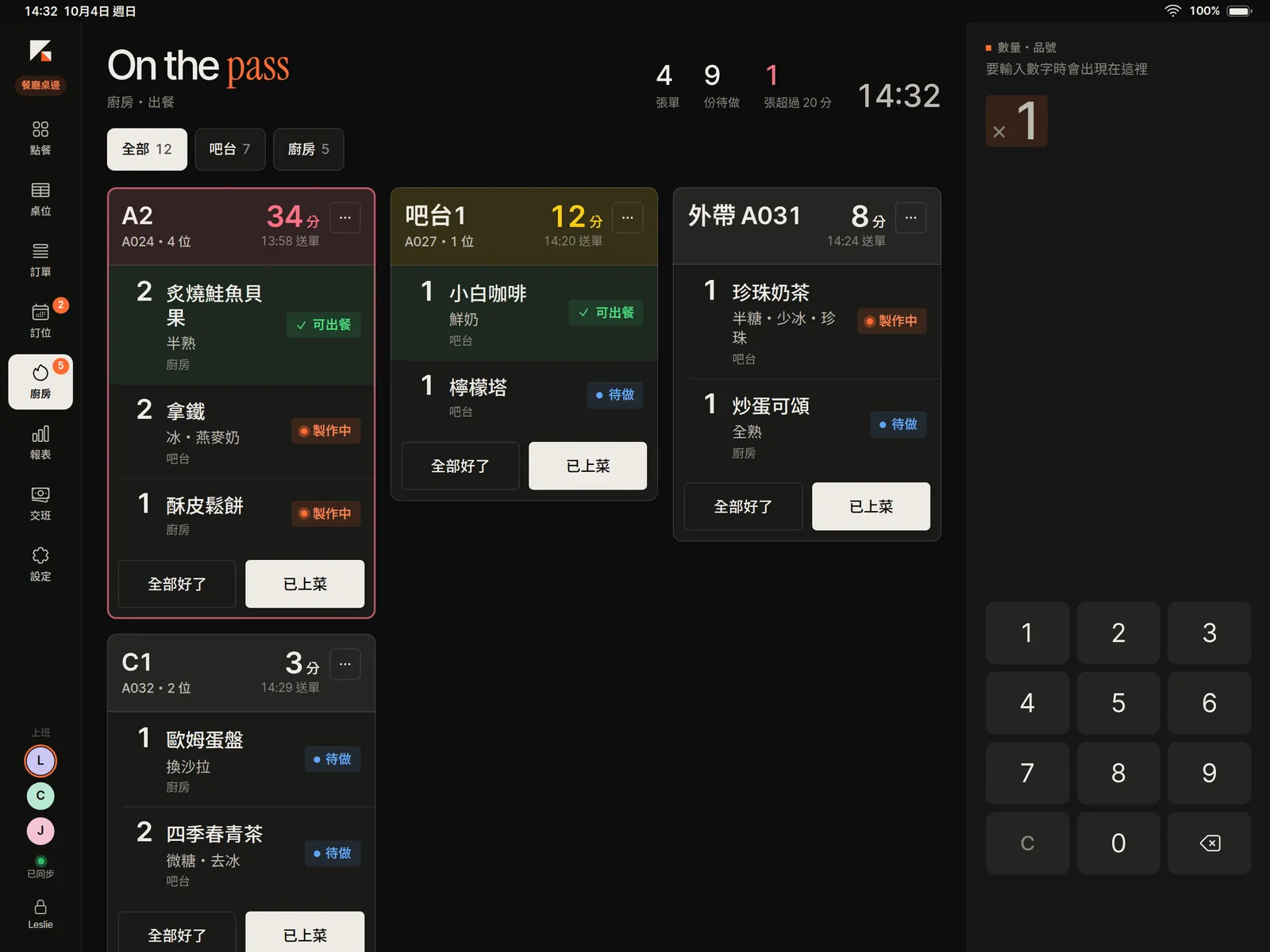
Sent orders appear at the kitchen and the bar by station. Tap to move each item along — to do, cooking, ready — and anything waiting over 20 minutes turns red.
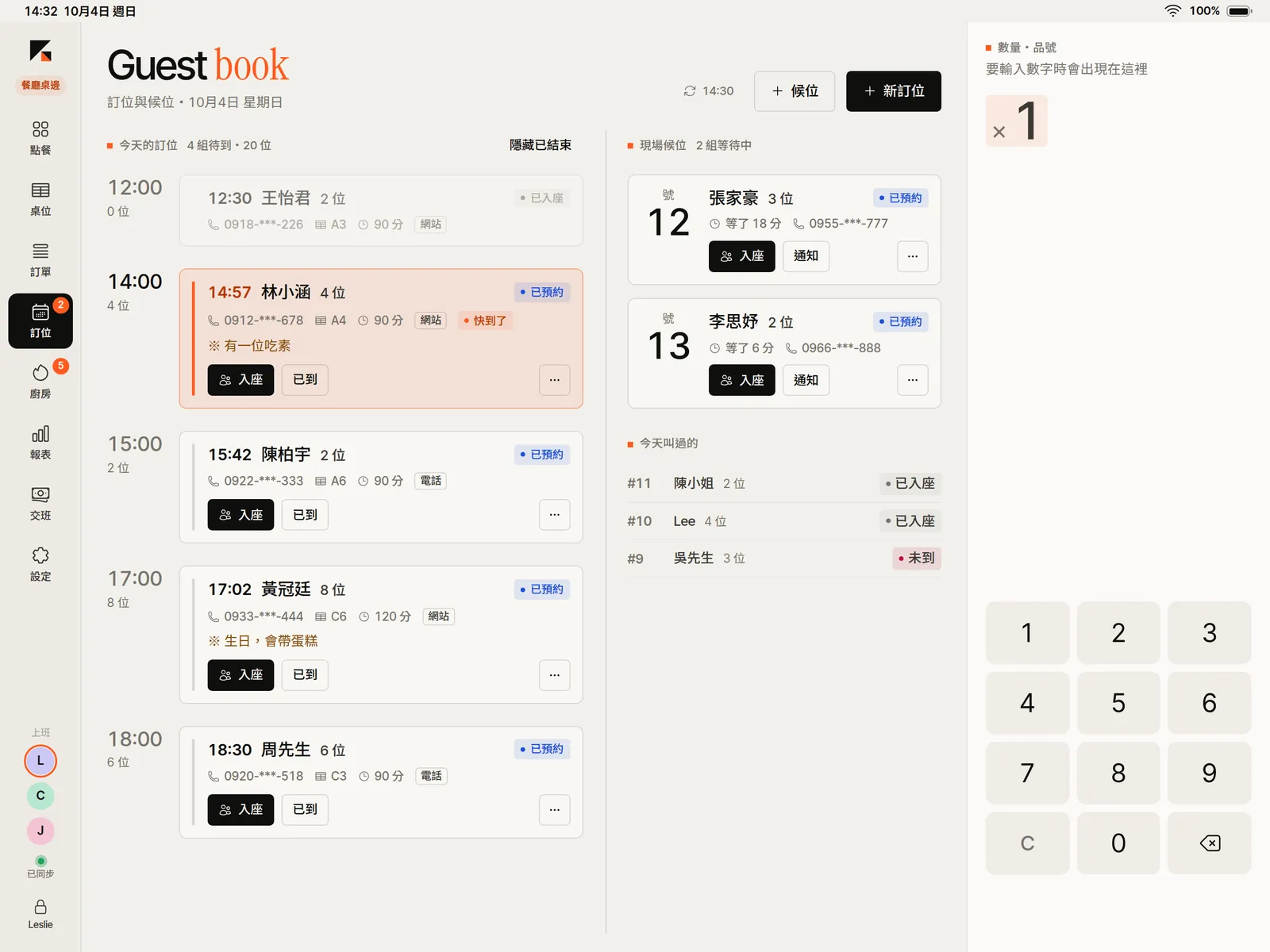
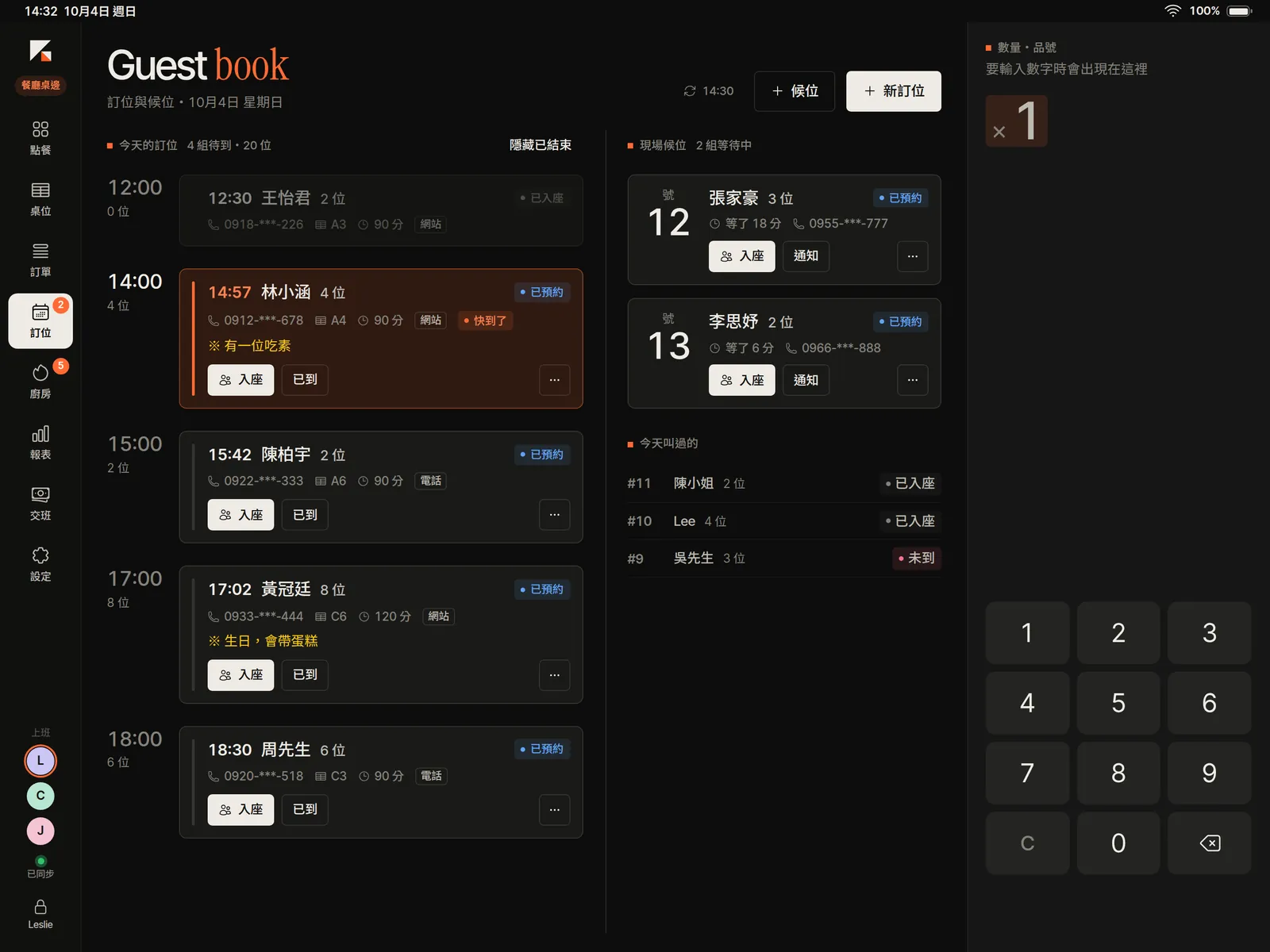
Bookings from your website and by phone sit in one guest book with the walk-in waitlist. The next party is flagged, and you pick a table as you seat them.
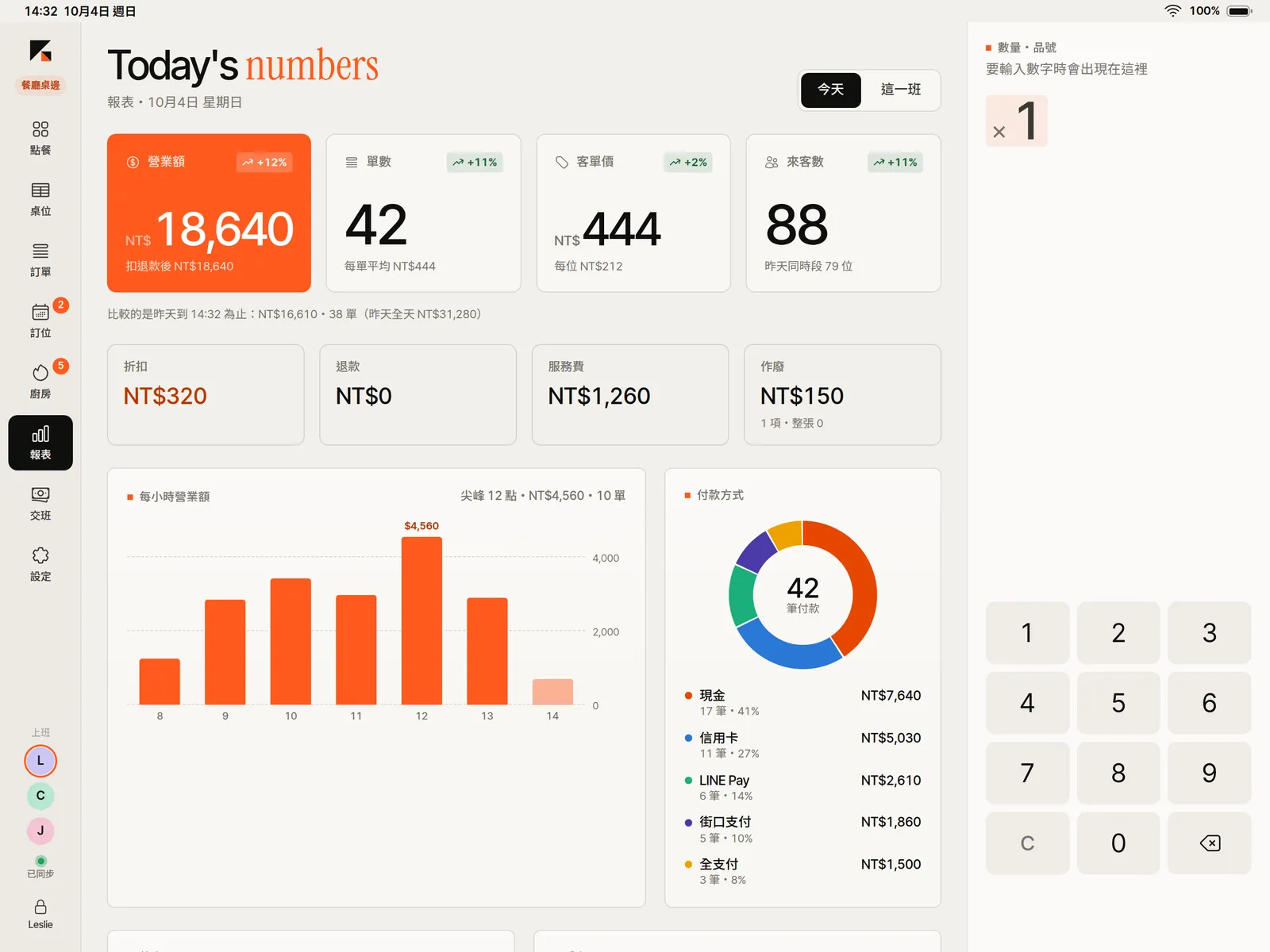
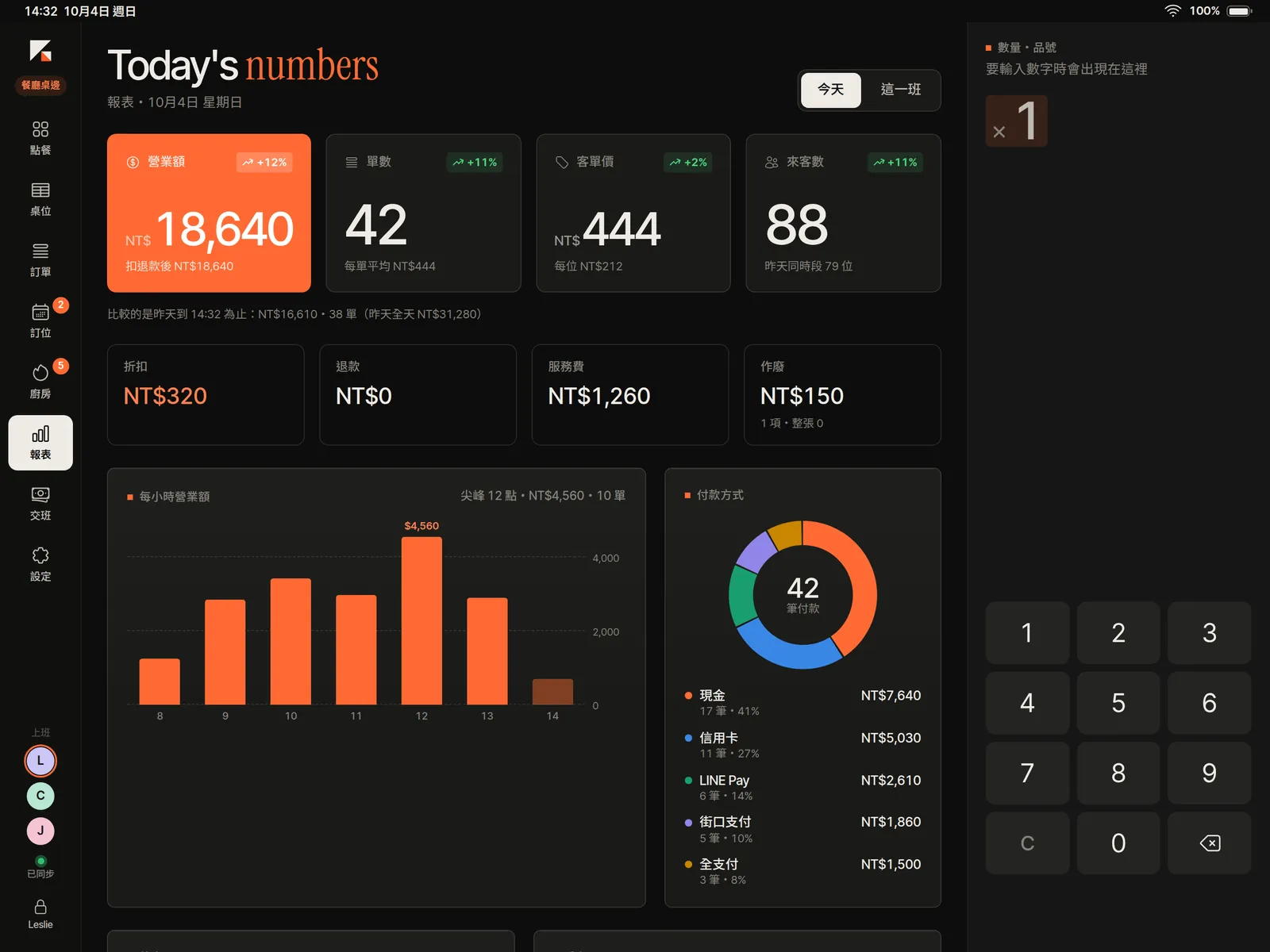
Sales, tickets, average check, hourly sales and payment methods update live, and every sale syncs back to your back office, so the website, Console and app share one set of books.
Switch at the top of the sidebar on each iPad. A mode only changes the flow — pay first or after the meal, whether there are tables and a kitchen, who gets credit for the sale. Tickets, payments, invoices and reports stay the same, and one store can use several modes at once.
Seat guests, send orders to the kitchen, pay after the meal
Restaurants, hot pot, izakaya
Pay first, print a pickup number, call orders when ready
Bubble tea, breakfast, bento, snacks
Scan or tap items and check out, no kitchen tickets
Market stalls, gift shops, bookstores
Dine-in and takeaway, pay first, serve to the table
Cafés, dessert shops, bakeries
Pick color and size, scan tags, exchanges and returns, sales credited to staff
Clothing, shoes and bags, accessories
Book by stylist, open the ticket on arrival, pay when done; stored value and treatment packages
Hair, nails, lashes, pet grooming
Check-in, memberships and class credits, schedules and personal trainers
Gyms, yoga, dance, learning studios
Run your store from one iPad: ordering, checkout, e-invoices and receipts in one flow, with seven ways to run a store a tap away. One menu and one membership with your website, and every sale flows back to StudioX Console.
Menu, members and reports are shared with your website: in-store spending counts toward membership tiers and draws down online stock, and sales flow back to StudioX Console and the app, where Xena sees them too.
Issue B2C and B2B invoices with on-the-spot tax ID checks, mobile barcodes, citizen certificates and donations. Receipts print in the official format, and voids and allowances happen in the app.
A fixed number pad on the right that never moves: quantities, cash received, PINs, tax IDs and phone numbers all go here. Type 3, tap bubble tea, and that’s three cups.
Multi-floor table maps, moving, merging and splitting checks; the kitchen prints by station or watches a kitchen display and fires the next course; reservations and the waitlist call guests by text.
Float, cash in and out, X and Z reports, over and short — tap in each denomination on the keypad. Voids, refunds and big discounts need a manager’s PIN right there.
Each action is a record chained to the one before it: if one goes missing or is altered, your back office can tell. Deleted orders have nowhere to hide.
Didn't find your question? Ask us directly →
An iPad is enough to start. To print receipts and invoices, add a 58 or 80 mm thermal printer (network or Bluetooth LE); connect a cash drawer if you take cash.
For now, use your existing card terminal and enter the last four digits or the mobile payment reference in the POS. Direct card and mobile payment integrations need agreements with acquirers and will be announced at launch.
POS for Stores is launching soon. Get in touch if you’d like early access.